
Google Reviews Widget for Website
High-trust social proof with verified badges and fast-loading cards.
Pull and render Google reviews with zero layout shift, crisp typography, and badge-forward design.

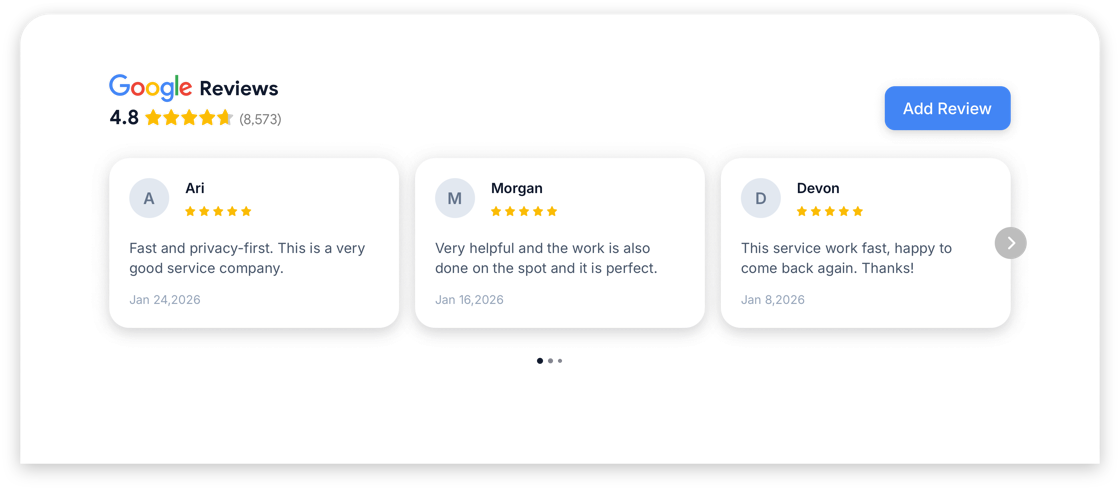
Edit Your Google Reviews Widget
Choose widget layout and add it to your website for free!
What Our Customers Say
Key features
- Auto-sync from Google Places (backend-powered)
- Sort, filter, and highlight featured reviews
- Masonry and carousel modes with lazy loading
Use cases
- Local services and hospitality
- SaaS testimonials blended with UGC
- Landing page social proof
How to embed
- Open the editor and create a new Google Reviews widget.
- Customize theme, triggers, and data sources.
- Copy the embed snippet and paste it into your site.
- Verify in staging; publish with lazy loading enabled.
Shadow DOM isolation ensures your styles never leak.
Works everywhere
View all →Install your Google Reviews widget on any platform in minutes.
Guides for Google Reviews
Browse guides →what is a widget on a website
Website Widgets: Architecture, Performance, and Use Cases
Technical overview of modern widget architecture: impact on Core Web Vitals, shadow DOM isolation, and security best practices.
what is a website widget
What Is a Website Widget? (Simple Explanation)
A non-technical explanation of website widgets, plus how to choose the right ones for your goals.
google review widget for website
Google Review Widget for Website: Caching, Layouts, and Trust Signals
Build a high-performance Google review widget for your website: caching, layouts, and trust-first UX without heavy third-party scripts.
FAQ
How do I add a Google Reviews widget to my website?
Customize the widget in the editor, copy the embed snippet, and paste it into your site (WordPress, Webflow, Shopify, or plain HTML).
Do I need a paid plan to publish a Google Reviews widget?
You can start on the free plan to publish a widget. Paid plans unlock higher limits and more advanced platform features.
Will this widget hurt performance?
GizmoSauce embeds are designed to be CLS-safe and lazy loaded. Always verify on a staging URL to confirm it fits your layout.