
Elfsight vs Common Ninja vs GizmoSauce: Which Widget Platform Is Best?
A small-business-focused comparison: what matters (trust, leads, speed), what to avoid, and how to publish your first widget fast (snapshot: Dec 2025).
If you’re a small business, the “best” widget platform is the one you’ll actually ship
Most small business sites don’t need 200 widgets. They need 1–3 widgets that make visitors trust you and contact you.
A “good” widget platform should help you:
- Launch fast (no-code, no surprises)
- Look premium out of the box (so you don’t spend hours tweaking)
- Stay lightweight (don’t slow your site down)
- Work across builders (WordPress/Webflow/Shopify/HTML)
If you’re choosing between Elfsight, Common Ninja, and GizmoSauce, use that lens first—then worry about catalog size.
Quick comparison (what you’ll feel day-to-day)
Here’s what it usually feels like after day one with each platform:
Elfsight
- Great when you want a curated set of business essentials that works for most sites.
- The look is typically clean / corporate.
- Setup is often quick, but some widgets can feel toggle-heavy when you’re trying to “make it yours.”
Common Ninja
- Great when you want the biggest variety (including niche widgets).
- Because it’s marketplace-like, the quality and design feel can vary by widget—plan to test each one.
- Setup is often quick, but matching your brand consistently can take more effort.
GizmoSauce
- Great when you care about premium design + performance-first defaults.
- Consistent styling across widgets (so your site doesn’t feel like a patchwork of embeds).
- Built around a fast workflow: editor → live preview → embed.
This is a snapshot (Dec 2025)—vendors evolve. Use it as a starting point, then validate on your own site.
What to choose (simple decision rules)
Pick the platform that matches your real constraint:
- If you want the biggest widget catalog (including niche tools): Common Ninja.
- If you want a curated catalog that’s “safe” for most business sites: Elfsight.
- If you want premium design + performance-first defaults (and you care about your site feeling modern): GizmoSauce.
If you’re SEO-sensitive, prioritize widgets that keep layout stable (CLS) and don’t add heavy scripts to your pages.
The small-business stack (start with these 3 widgets)
If you only install three widgets, these are usually the fastest wins:
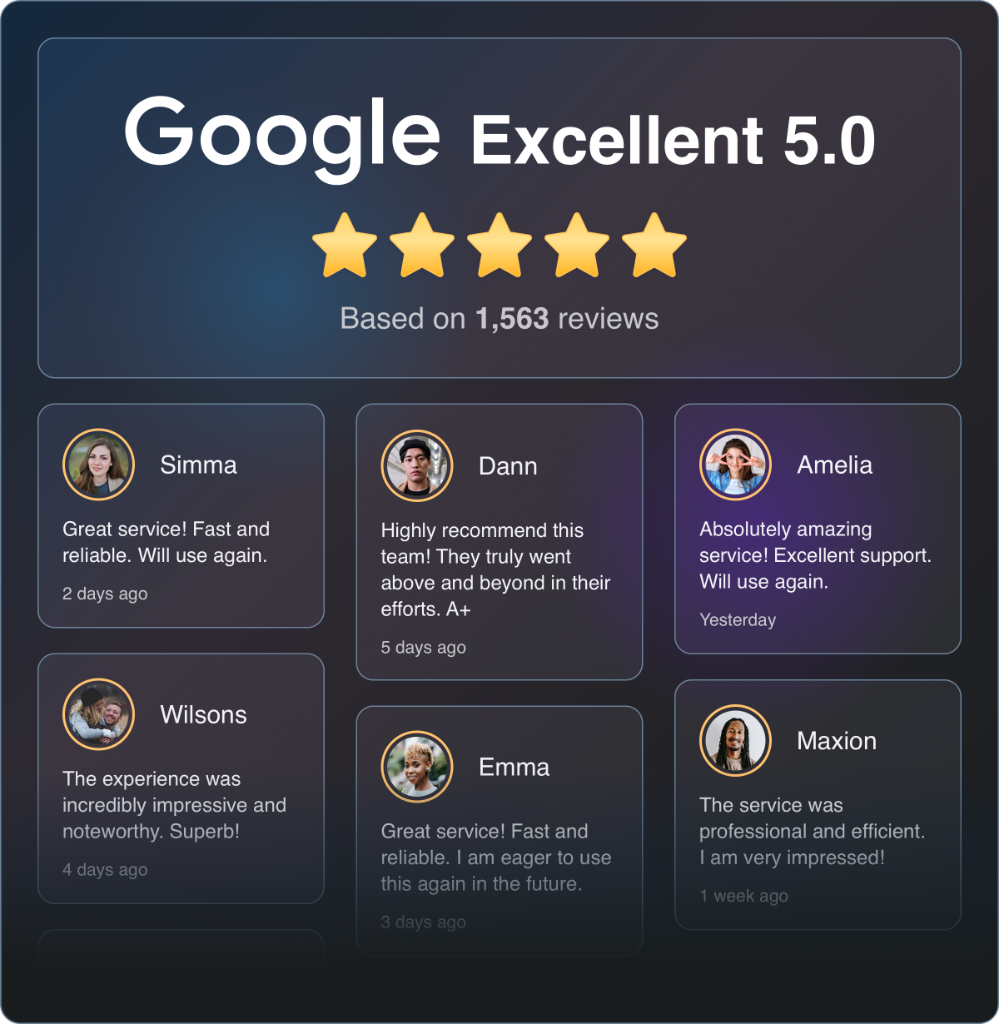
- Reviews (trust)
- Google Reviews: /get-widget/google-reviews
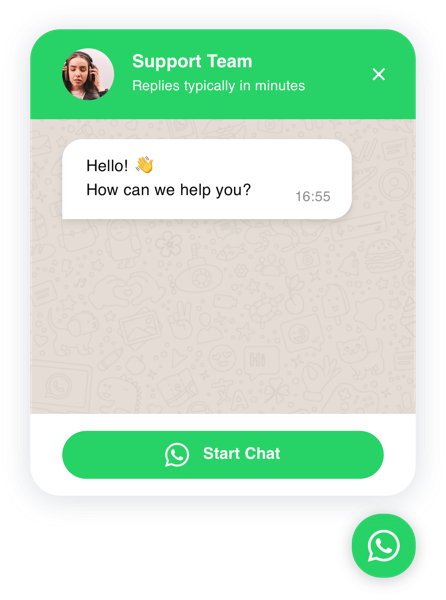
- Chat (speed to reply)
- WhatsApp Chat: /get-widget/whatsapp-chat
- Store Locator (in-person conversion)
- Store Locator: /get-widget/store-locator
If you’re evaluating POWR Chat specifically, compare it here:
/guides/powr-chat-vs-whatsapp-telegram
Publish one widget to a staging URL, confirm it looks good on mobile, then add the next.
What to test before you commit (10-minute checklist)
Don’t decide based on a sales page. Decide based on your live URL.
Test this on a staging page:
- Speed: does the widget load without noticeably slowing the page?
- Stability (CLS): does content jump when the widget loads?
- Mobile UX: does it fit without covering key CTAs?
- Brand fit: can you match your site in 2–5 minutes?
- Embed reality: does your builder execute scripts only after publish? (Many do.)
If you want a platform that’s designed to feel native fast, GizmoSauce’s workflow is: choose widget → customize → Save & Get Code → paste snippet.
Why small businesses pick GizmoSauce (the practical reasons)
Small businesses rarely have time to become “widget power users.” You need results with minimal setup.
GizmoSauce is built around:
- Premium defaults: modern UI without hours of styling
- Performance-first embeds: CLS-safe patterns + lazy loading
- Privacy-first reviews: where possible, reviews are fetched server-side and cached
- Consistency: shared design language across widgets
Start free, publish one widget, and validate it on your live URL before investing time migrating everything.
FAQ
Is GizmoSauce free?
Do widget platforms work on all site builders?
What should I test before committing to a platform?
Product updates
Occasional widget launches, design notes, and growth ideas. No spam.