
Before / After Slider: setup and styling
Build a CLS-safe before/after slider: images, focal point, interaction mode, and design presets.
Featured
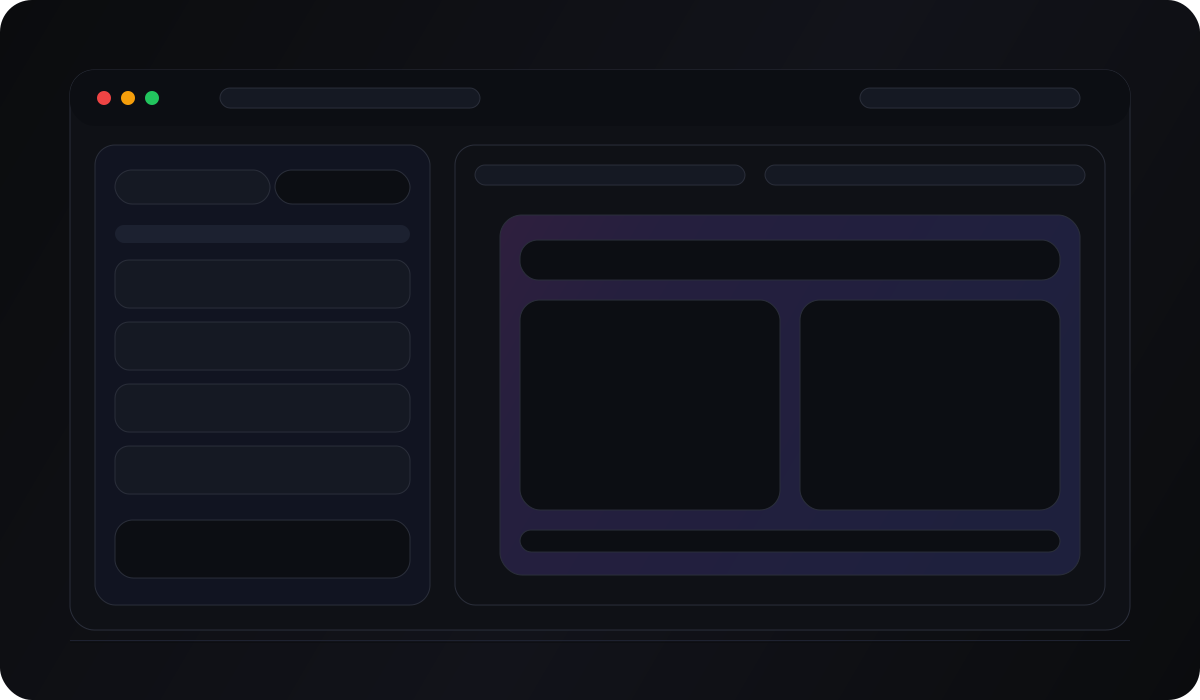
Quick start
- Open the editor: /get-widget/before-after
- Select a Before image and an After image (Media Library).
- Pick an aspect ratio (this keeps the widget CLS-safe).
- Choose orientation (horizontal/vertical) and interaction (drag/hover).
- Click Save & Get Code to publish and embed.
Images: fit + focal point
Use Image Fit to control cropping behavior:
cover(best default)containfillscale-down
Then tune Image Position per side (Before/After) to keep the subject centered (X/Y sliders or preset positions).
Design: presets + themes + fine-tuning
In the Design tab you can combine:
- Style preset:
Default,Glass, orCreative - Style theme: a curated theme that sets colors/typography
- Fine-tuning: label + handle styling (colors, radius, shadows, typography)
Preset changes re-apply the preset on top of your current settings.
Theme changes reset the fine-tuning back to widget defaults, then apply the theme values (so themes stay predictable).
Add My Style
Use Add My Style to extract a palette and typography from your site and apply it to the widget.
If extraction adjusts colors for accessibility, you’ll see a toast like: “Adjusted colors for contrast compliance”.
Need help? Send the right details (so we can answer fast)
Support is fastest when we can reproduce the issue.
Please include:
- The page URL where the widget is embedded (or the editor URL)
- The platform/builder (WordPress, Webflow, Shopify, Squarespace, etc.)
- What you expected to happen vs what you see
- A screenshot of where the snippet is pasted (or a short screen recording)
If your issue involves a social connection (Instagram/Threads/TikTok), also include:
- Which login path you used (Instagram vs Meta vs TikTok)
- A screenshot of the provider error screen (if any)
- Whether the account is Personal vs Business/Creator
Contact us here: /support.